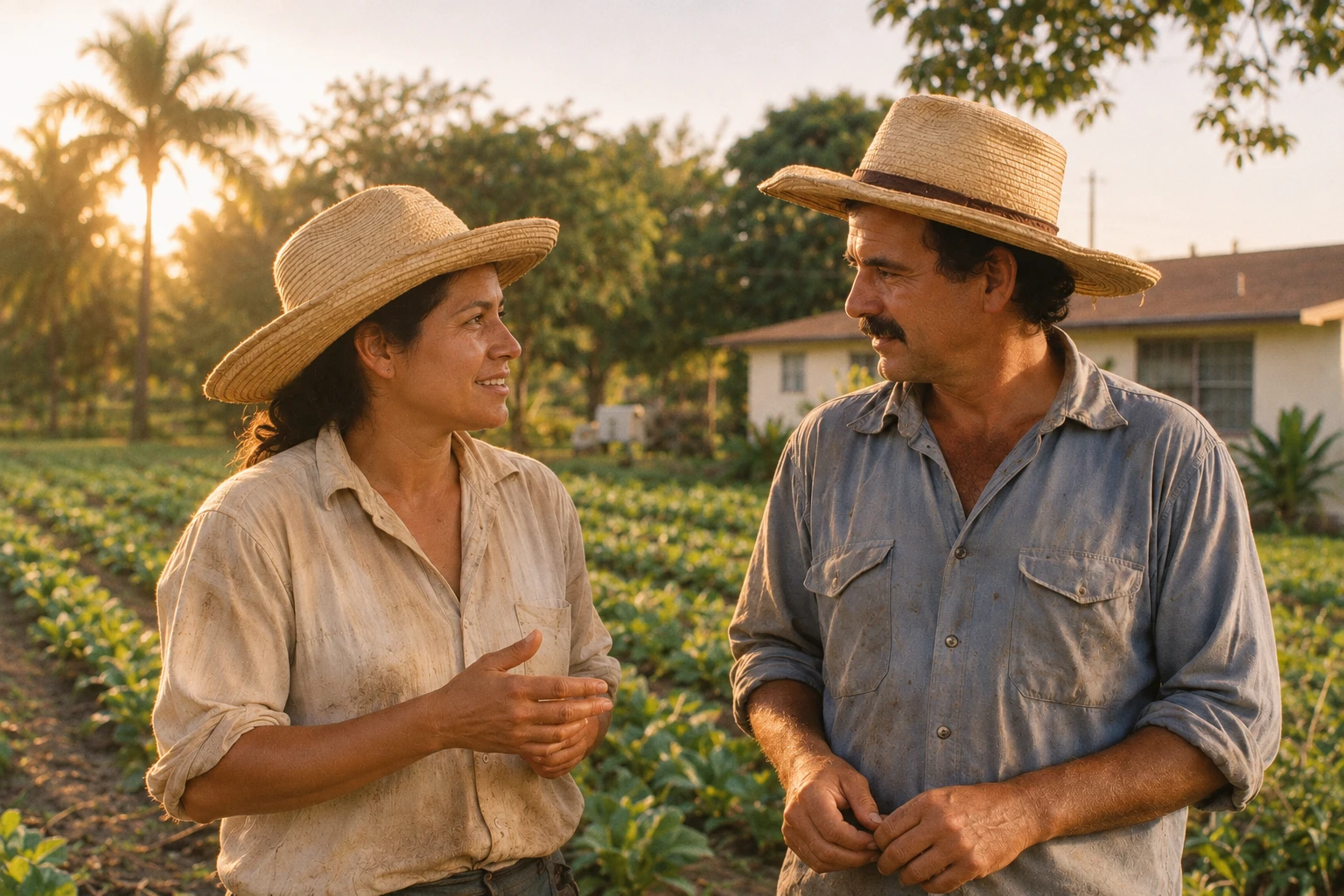
Help shape FNPH’s new website. Review the current image styles and tell us what needs to change. Follow the steps below.
Getting started Leaving comments
Use your personal invitation Open the link sent to you and follow the sign-in prompts. Your votes and comments save to your account. On another device, sign in with the same invited email.
Choose an image style In Votes, preview Photographic and Cinematic, then select Submit vote. Results appear after you vote. You can change your choice anytime.
Explore with the sidebar open Browse the website while keeping Comments beside it. Drag anywhere along the sidebar’s left edge to resize it, or use the width button at the top. Close the panel when you want more room.
Review as yourself Your first name appears with shared comments. Use the pencil beside your name to edit it; press Enter or leave the field to save.
Comment on words or images Highlight words on the page, then choose Comment. On a computer, move over an image or video and choose its Comment button. The sidebar shows what your comment refers to.
Add a comment about the page Choose + Add comment for feedback about the page as a whole. This also works when you cannot select a specific item.
Share clear feedback Say what works or what should change. Suggested wording and corrected information help. Choose Add comment to share it with invited reviewers; an unfinished draft stays private. Avoid personal client details.
Join the conversation Choose Reply to respond in the same discussion. Show replies expands the conversation; Hide replies collapses it. Use the three-dot menu to edit or delete your own comment.
Find feedback as you browse This page shows comments on the page you are viewing; All pages shows feedback across the site. Filters lets you choose Image, Text, or General and Open or Resolved. View on page takes you to the reference and reopens its discussion. Administrators can resolve completed discussions.
Reviewing as you Sign in with your invited email to save your review.
Sign in Opening your review…
Choose an image style Help us choose the look: tap a style to preview it, then submit your vote. Use Comments for feedback on anything else.
You can change your choice anytime.
A conversation is the first step. Tell us what you need help with. The callback is a chance to discuss your options. Funds are limited and assistance depends on availability.
What do you need help with? Rent Ask about housing assistance for migrant and seasonal farmworkers.
Ask about rent What happens after you reach out. Ask us to call you Share your name, phone number, county or community, and what you need help with.
Talk with the team Staff call back to discuss your situation and the help you are looking for.
Understand your next step Staff may guide you through a longer intake. If a partner serves your county, FNPH asks for your consent before a referral.
Support starts with understanding. Can I use the form in my language? The form is available in English, Español, and Kreyòl ayisyen. The language you use is included with your request.
What does the program do? FNPH serves as an agent for the Department of Labor’s Temporary and Emergency Housing Assistance Program, helping migrant and seasonal farmworkers with rent and utilities as funds are available.
What if a partner serves my county? FNPH leads the Southeast Housing Consortium, assisting agencies in Delaware, Florida, Maryland, Mississippi, and Virginia. The team can discuss the right contact for your county and asks for consent before a referral.
Looking for a rental or planning to buy? For a specific rental community, contact the property manager . If you want to prepare to buy a home, explore housing counseling .
Close Log in We’ll email you a verification code.
Email
Send code Need an account? Create one
Enter the code
Verification code
Verify code Send a new code Use a different email
Create an account We’ll email you a verification code.
Email
Send code Already have an account? Log in
Enter the code
Verification code
Verify code Send a new code Use a different email